IOSignal at a glance
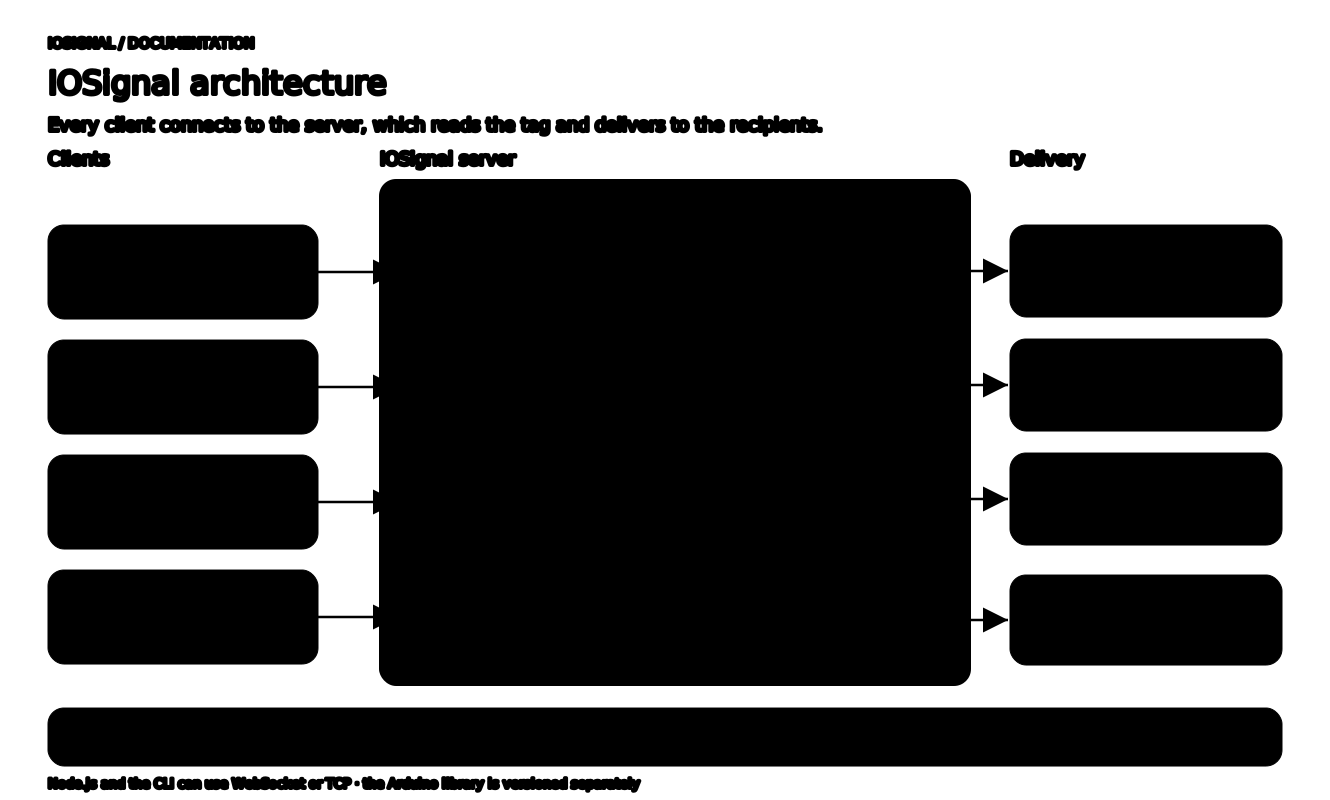
IOSignal is an open-source real-time messaging library that connects browsers, Node.js programs, and Arduino devices through one message server. Clients connect to the server and send messages (signals) labeled with a tag; the server reads the tag, finds the recipients, and delivers the message. Shared-key authentication and encryption (boho) are built in.
Four core ideas
| Idea | In one line | Details |
|---|---|---|
| Server | Accepts client connections and relays messages. Run it from Node.js code or the CLI. | Run a server |
| CID | The client address the server assigns to each connection. It is known after the ready event. | Authentication and encryption |
| Tag | A string such as room#topic or CID@topic naming the target and topic. | Tags and the three delivery patterns |
| HOME CHANNEL | #topic with no channel name reaches only connections from the same public IP (same router). It is not an authentication boundary. | HOME CHANNEL |
Messages travel in three ways: channel publishing to every subscriber of a channel, a direct CID message to one CID, and CID publishing, where a device publishes under its own CID and interested clients subscribe to it.
Components
- JavaScript library
iosignal: Node.js server and client plus the browser client in one npm package. - Arduino library
IOSignal: a C/C++ client built on the ArduinoClientinterface, versioned separately. - iosignal-cli: commands for macOS, Windows, and Linux that run a server and an interactive client without code.
- boho: the shared-key library IOSignal uses for authentication and encryption. See boho design and technical details.
IOSignal and Remocon are separate projects: IOSignal is the messaging library, and Remocon is a web application and Arduino example project built on it. See versions and scope for package versions.
Where to start for each environment
| Goal | Client or tool | Guide |
|---|---|---|
| HTML file | Browser IO, WebSocket | HTML and CDN |
| React, Svelte, Vite | Browser IO, WebSocket | Browser module |
| Node.js program | IO (WebSocket), IOCongSocket (TCP) | Node.js client |
| Arduino device | IOSignal C++, CongSocket (TCP) | Arduino installation |
| Terminal tests | iosignal-cli | First message with the CLI |
| Message relay server | Node.js Server or CLI | Run a server |
Use import IO from 'iosignal/browser/esm/io.js' in a browser bundle and import { IO } from 'iosignal' in Node.js. They are different entry points of the same package.
Server port is for WebSocket; congPort is for Arduino and IOCongSocket. Configure both when supporting both transports:
import { Server } from 'iosignal';
new Server({ port: 7777, congPort: 8888 });
Applications
- WebRTC signaling
- Messaging between servers
Live services built on IOSignal:
- Remocon: a remote-control web app that discovers Arduino and web devices on the HOME CHANNEL and controls them immediately
- bayo.tv: a video player with a built-in IOSignal client that Remocon can control remotely
IOSignal delivers messages. Rules such as room permissions, command meanings, and result acknowledgments belong to your application.
Guides by role
- New users: run a server and two clients with the five-minute quickstart, then read tags and the three delivery patterns.
- Server operators and backend developers: Node.js client and run a server, followed by server authentication. Publish/subscribe and direct CID routing are built in.
- Web developers: browser imports, client API, and JS subscriptions and lifecycle. The browser build is a plain ES module, so it is not tied to a framework; runnable examples cover Vanilla JavaScript, React, and Svelte.
- Arduino developers: installation and D1 mini and ESP32-C3 channel messaging. To start without your own server, use a public server.
Next steps
Common mistakes are collected in FAQ: common mistakes. Public server addresses and terms are in public servers and web apps.